

 Loading...
Friends Battle Swords Drawn
Game info
Description:
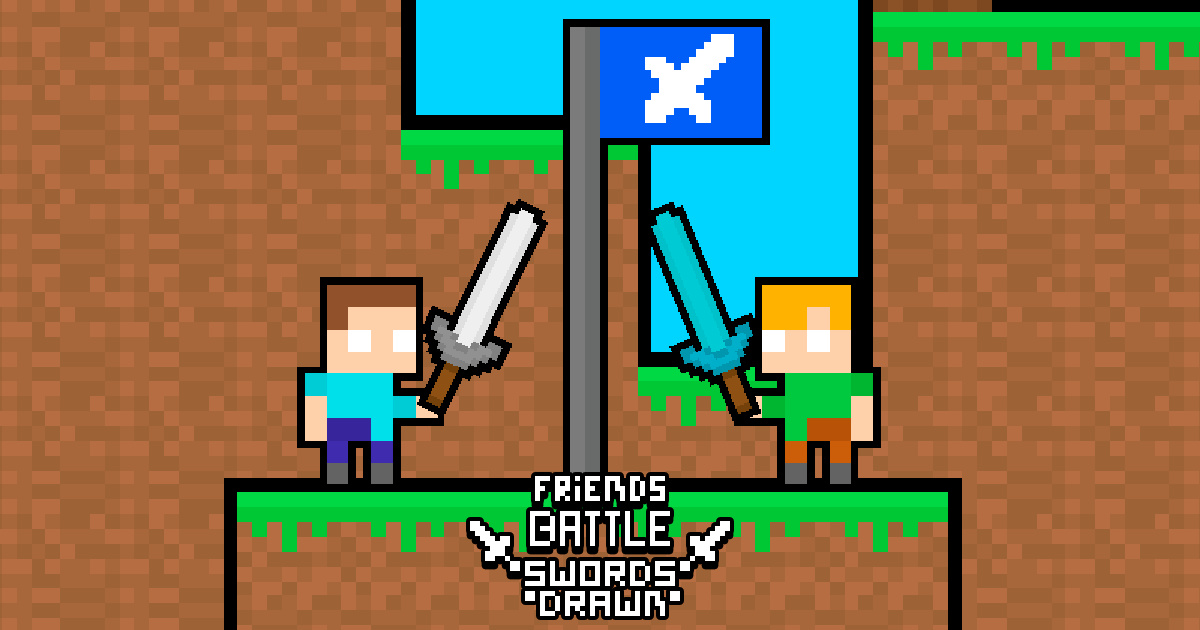
In the third episode of the Friends Battle series, swords have been drawn, and the war is about to begin. The battle starts; sharpen your sword, you need a sharp blade. Together with your friend, the one who captures the flag the most wins. The winner is the one who stays with the flag for 20 seconds. Dont forget, you have a sword and you also need to set up your flag. While setting up your flag, you must reach the enemys flag. Kill your friend with the sword and capture the flag.
The red player moves using the WASD keys. The blue player moves using the arrow keys.Stay at the flag for 20 seconds.You can press S and DOWN ARROW to kill the enemy.
About Friends Battle Swords Drawn
Friends Battle Swords Drawn is a two-player capture-the-flag duel where sword fighting and flag control happen at the same time. Winning means staying near the flag long enough while stopping your friend from doing the same.
How to Play Friends Battle Swords Drawn
Move toward the enemy flag, use the sword to interrupt your opponent, and protect your own setup. The winner is the player who controls the flag for 20 seconds, so timing attacks around the flag matters more than random chasing.
What to Focus On
Focus on flag pressure. A sword hit is useful only if it helps you capture, defend, or reset the timer.
Best For
Best for two-player fans who like quick duels, local competition, sword fights, and simple capture objectives.
Controls
Red player uses WASD. Blue player uses arrow keys. Use S or Down Arrow to attack.
Common Mistakes to Avoid
- Chasing the other player too far away from the flag.
- Attacking without checking whether the flag timer is already running.
Tips
- Force your opponent away before standing on the flag.
- Use defense after a successful capture attempt instead of immediately chasing again.
FAQ
How do you win Friends Battle Swords Drawn?
Stay with the flag for 20 seconds while using the sword to stop your opponent.
Can two people play on one keyboard?
Yes. One player uses WASD and the other uses the arrow keys.